
When choosing architecture as a career, I imagined designing buildings that blended aesthetics and functionality, creating spaces that could improve people’s quality of life simply by being in them. I loved art, I enjoyed maths, and architecture seemed like the perfect mix of both.
Instead, the reality of practicing architecture is that designing is only one part of the job, and often not the part that takes up most of your time. Project managers spend much of their week coordinating projects, answering emails, chasing clients and contractors. In an informal survey of more than 30 architects and project managers from small practices and freelance backgrounds, respondents estimated that around 80% of their working time goes to administrative and coordination tasks, leaving roughly 20% for design.
Working inside one of Italy’s biggest interior design studios, I notice this daily.
Being a fan of new technology and an avid learner, I had already started experimenting with AI to improve renders and automate smaller tasks. Then one day, I came across people building entire systems and automations with the same chatbots I was using for images, and I thought: “Why can’t we do the same here, in my studio?”
That’s when I started studying AI systems that specifically help architects automate the repetitive parts of administrative work, lightening the mental load that comes from constantly switching between architect, secretary and project manager.
If you’re an architect wondering where to start with AI, the answer isn’t necessarily another rendering tool. It starts with finding the tasks you do every day that could be delegated to an AI-powered workflow.
What does AI for Architects actually mean?
In recent years, people have learned to associate AI with image generation. Image generation is only one category of AI applications, and it isn’t necessarily the most useful place for an architecture practice to start.
Artificial intelligence can be used for very different things, from generating text and images to analysing information, organising data and operating within automated systems. For architects, this means that beyond the immediate applications such as generating photorealistic renders in minutes, there is a whole world of AI-powered systems that can work inside the practice itself.
AI for design & visualization
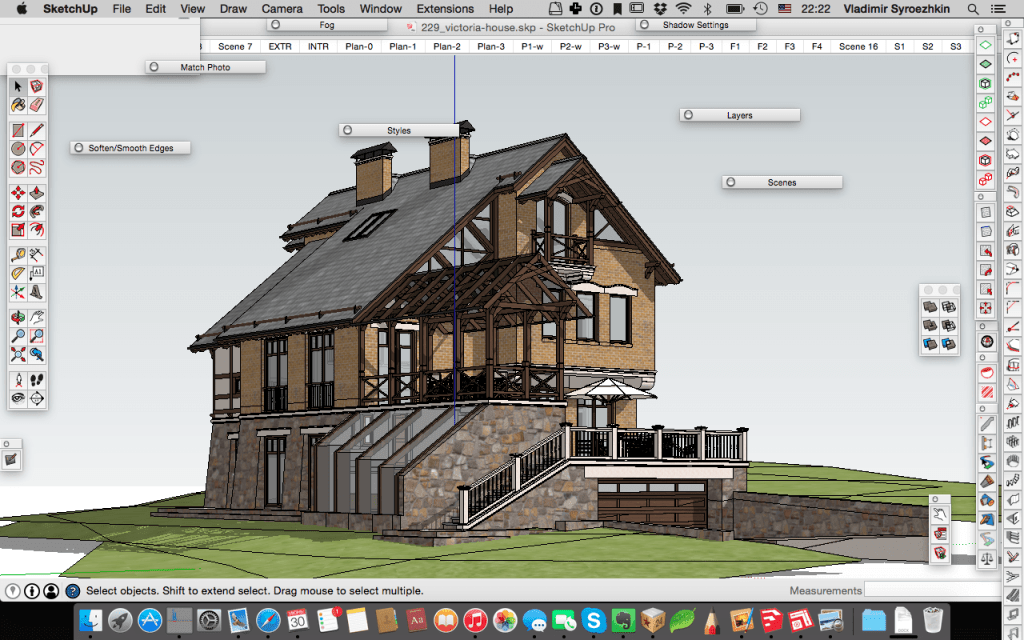
AI rendering has quickly become part of the architectural visualization workflow. A basic prompt can turn a screenshot of a 3D model from Rhino or SketchUp into a finished-looking image, while tools such as Midjourney and Stable Diffusion can be used to explore early concepts and visual directions.
AI has also been integrated into professional tools such as Photoshop and architectural visualization software. These tools can help improve traditional renders, add people or furniture, modify materials, or explore different versions of an image without having to rebuild everything in the 3D model.
AI is also moving further into 3D workflows, with tools that can generate or reconstruct 3D assets from images and other inputs.
There is nothing wrong with using AI for design. In fact, these tools can be extremely useful for exploring ideas, communicating concepts and speeding up parts of the visualization process.
But AI doesn’t necessarily need to enter the design process at all.
It can also be much more useful in the work that surrounds design.
AI for the work around design
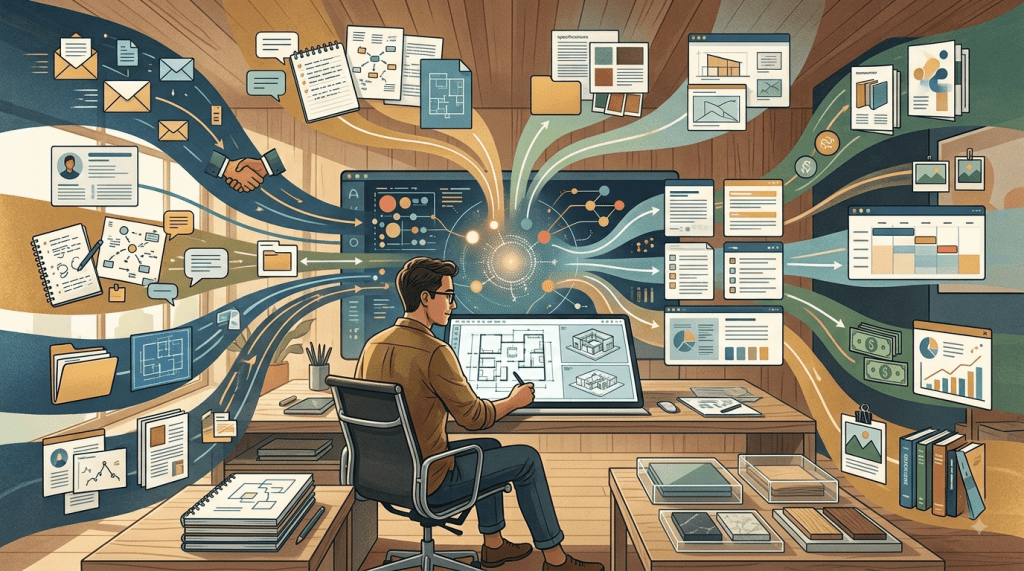
AI for architects should not be limited to creating images. In fact, it might never need to touch the design process.
An architect manages enormous amounts of information every day: emails, client information, meeting notes, supplier communications, proposals, specifications, project documents, calendars, expenses, references and the knowledge accumulated by the practice over years.
Managing all of this information manually creates another problem. Important information gets lost, the same documents are searched for repeatedly, and people have to remember processes that could easily be standardised.
This is where AI-powered workflows become interesting.
Instead of asking a chatbot a question every time you need help, you can build systems that process information as it enters the practice, organise it, extract what matters and prepare the next step.
The goal isn’t to remove the architect from the process, but rather to remove the repetitive parts that shouldn’t require the architect’s attention in the first place.
Where should an architecture practice start with AI?
The first question that pops in an architect’s mind is probably:
What can AI do?
But the perspective I’ve found more useful is more along the lines of:
What do I do repeatedly that doesn’t require my creative or professional judgement?
This changes the way you approach AI.
Instead of looking for the newest tool and trying to find a use for it, you start with your own practice and work backwards.
Look for repetitive tasks
Start by looking at the things you do every week.
Do you answer the same types of emails? Prepare similar documents? Search for the same information? Copy information from one document to another? Follow up with the same people?
If you are doing something repeatedly, it is worth asking whether part of it can be automated.
Look for predictable processes
Some tasks are repetitive because they follow a clear sequence.
For example:
Email arrives → identify project → identify urgency → extract information → prepare response → human review.
If a process can be described as a series of steps, it is often a good candidate for automation.
Look for information-heavy tasks
Architecture practices contain a huge amount of information, but that doesn’t mean the information is easy to access.
A previous proposal, a similar project, a supplier specification or an old client email might contain exactly what you need, but finding it can take longer than actually using it.
AI can help organise, search and structure this information so that it becomes useful instead of simply existing somewhere in the studio.
Keep human judgement where it matters
This is the important distinction: rather than automating everything, including the final decision, automate instead all the work required to get to the decision.
Automate the process. Keep the professional judgement.
7 ways Architects can use AI beyond renders
Once you start looking at your practice this way, there are many opportunities beyond visualization.
1. Email management
Email is probably one of the easiest places to see the potential.
An AI-powered email workflow could classify incoming messages, identify urgent emails, connect them to the correct project, summarise long conversations and prepare draft responses.
The architect still decides what actually needs to be said.
The system simply removes much of the work required to get to that point.
This is especially useful in practices where someone can spend an entire morning simply filtering and organising an inbox.
Emails shouldn’t take up most of an architect’s day.
2. Meeting notes & follow-ups
Meetings create another predictable workflow:
Meeting → transcript → summary → decisions → action items → follow-up.
Instead of manually writing notes and then reconstructing what was decided, AI can help turn the meeting into structured information.
Decisions need to be recorded, responsibilities need to be clear and follow-ups need to happen.
AI can help move that information through the workflow while the architect remains responsible for checking that the result is accurate.
3. Client onboarding
The beginning of a project often involves collecting the same types of information repeatedly.
Client details, project requirements, budgets, references, documents and expectations all need to be collected and organised.
An AI-powered onboarding workflow could identify missing information, organise what has already been provided, prepare documents and trigger the next steps.
This creates a more consistent process without requiring someone in the studio to remember every step manually.
4. Proposals & quotes
Proposals are another area where a practice’s existing knowledge can become extremely valuable.
Imagine starting a new proposal and having a system look at similar completed projects, previous proposals, products already used and solutions that have already been validated by the practice.
Instead of starting from an empty document, the AI could prepare a first draft based on that existing knowledge.
The architect or project manager still reviews it, changes it and decides what is appropriate for the new project.
The newfound value isn’t AI deciding how much to charge, but it’s not having to manually search through years of projects to find the information you already have.
5. FF&E & information management
FF&E is another example where the amount of information can quickly become overwhelming.
Product names, suppliers, specifications, dimensions, finishes, prices, links and images all need to be collected and organised.
AI can help extract this information from documents, structure it and make it easier to retrieve later.
The same principle applies to other information-heavy areas of a practice.
If the same information is repeatedly copied, searched for or reorganised, there may be an opportunity to build a better system around it.
6. Administrative workflows
Not every automation needs to be complicated.
Recurring administrative tasks, internal communication, document preparation, reminders and follow-ups can all be examined individually.
The question it comes down to is:
Which small part of this process is wasting my time every week?
Automating several small tasks can eventually create a significant difference.
7. Internal knowledge & information
One of the most interesting applications of AI for an architecture practice is using the knowledge that already exists inside the studio.
Completed projects, previous proposals, supplier information, specifications, emails, references, internal processes and lessons learned all represent accumulated knowledge.
The problem is that much of this knowledge is scattered across folders, inboxes and people’s memories.
A well-designed AI knowledge system can make that information easier to search and use.
This is where AI starts becoming more than a chatbot and it becomes part of the practice’s infrastructure.
 biancaforarchitects
Lascia un commento